AdvancedNetSuite Proof of Delivery, Built with WAERlinx
Improve customer experience, reduce returns, and streamline workflows for customer service teams with end-to-end proof of delivery (PoD) in NetSuite. Addressing challenges such as partial shipments, missed scans, and delayed system updates, WAER proof of delivery (WAERPoD) provides a flexible, reliable process that makes for accurate, accounted-for deliveries, all automated and visible in NetSuite.
Guaranteeing Visibility at Every Stage of Your Delivery
Whether teams are operating online or offline, in the warehouse or at the customer site, deliveries can be completed with confidence, discrepancies clearly documented, and shipment status automatically reflected in NetSuite. WAERPoD reduces manual effort, improves visibility, and helps ensure deliveries are closed out accurately.
Offline Capability
Device Flexibility
Reduced Data Entry
Extended Proof of Delivery from Warehouse to Customer
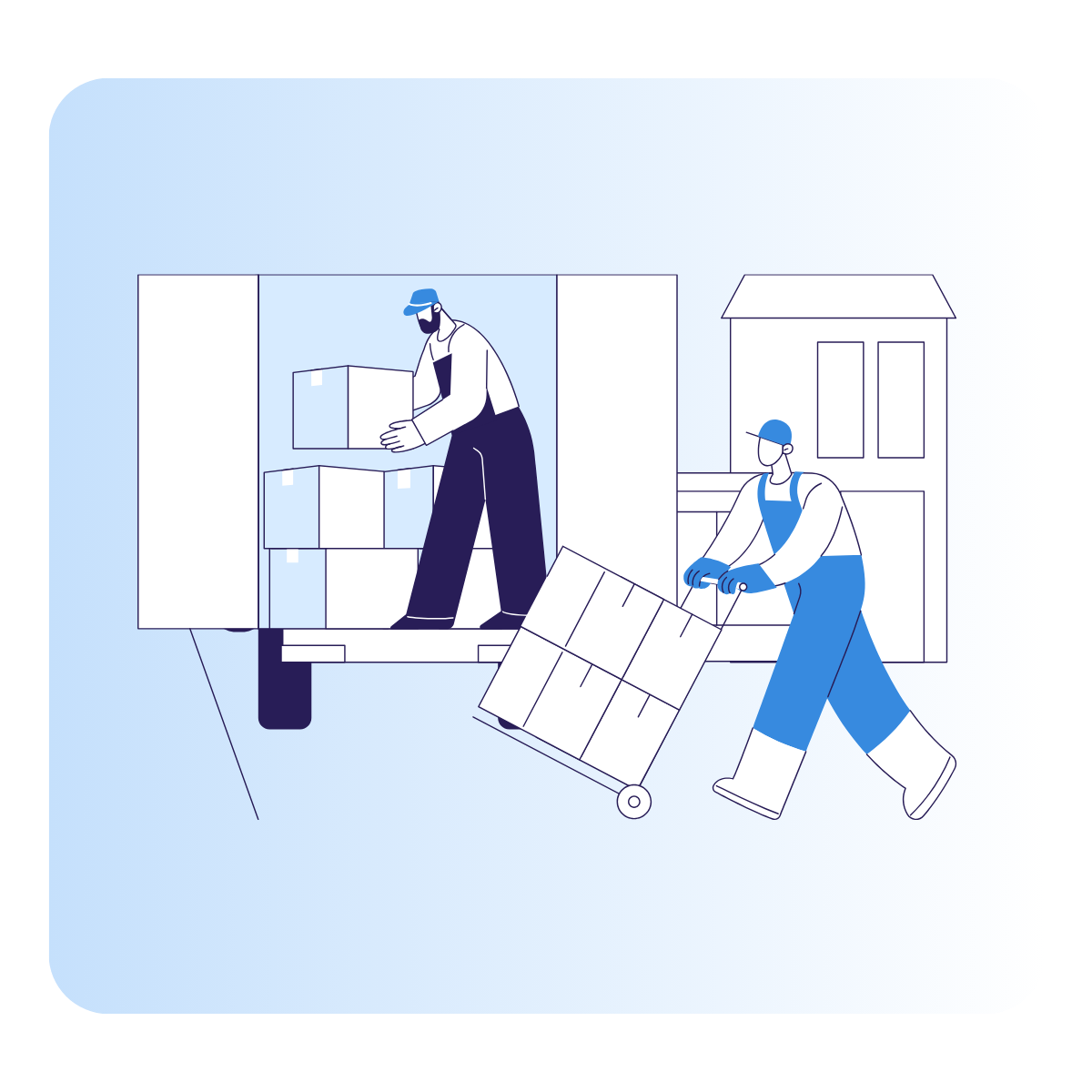
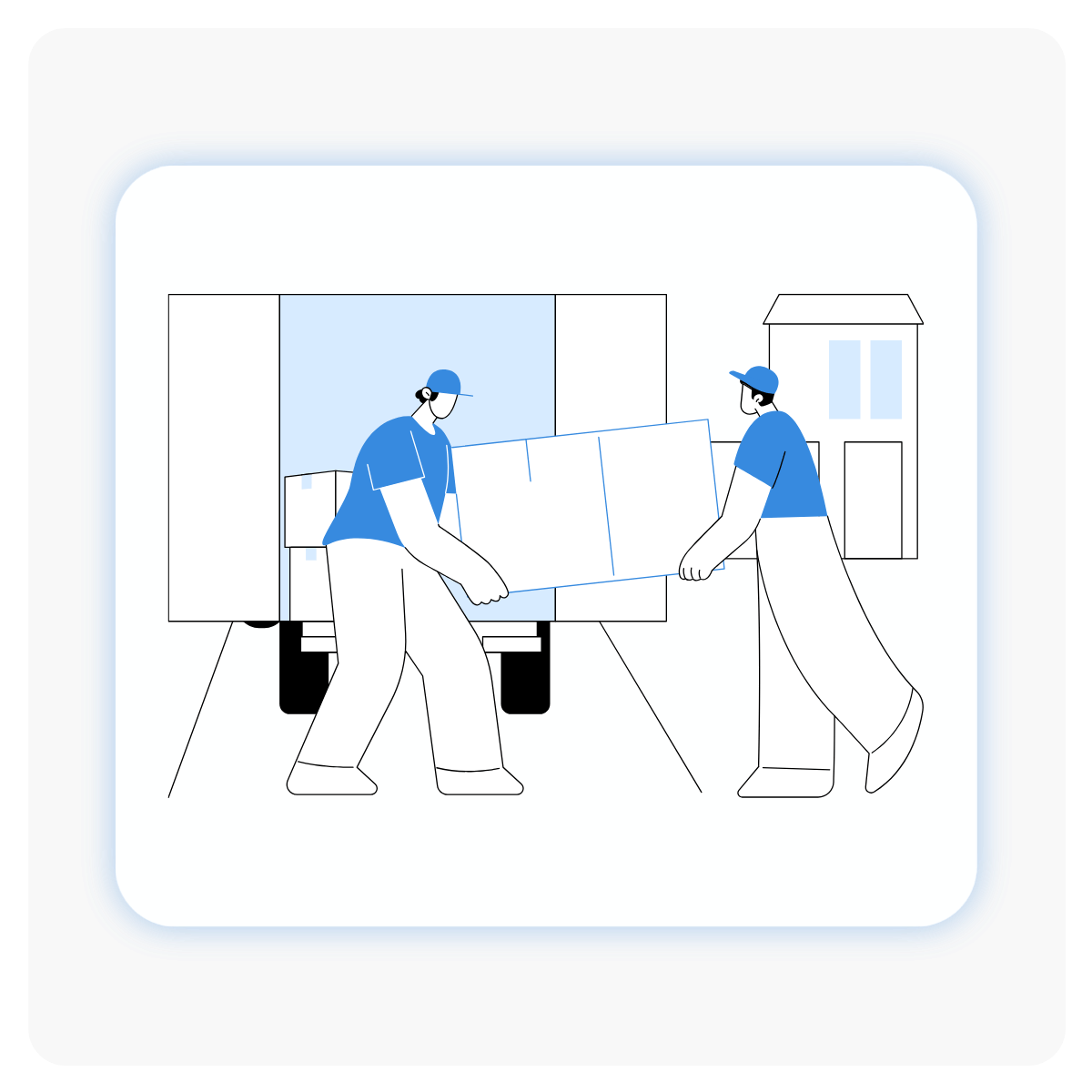
The WAERPoD proof of delivery workflow defines how deliveries are physically executed, from door to door. From warehouse loading through to final confirmation at customer site, our features ensure only the correct goods leave the warehouse with real-time updates at every stage.
Load Delivery: Scan the shipping reference or pallet/carton barcode to load items – no more bulk paper documents or manual processes.
Route and Drop Sequencing:Deliveries are automatically organised into the correct loading and dropping order, ensuring drivers load vehicles correctly and complete stops in the most efficient order.
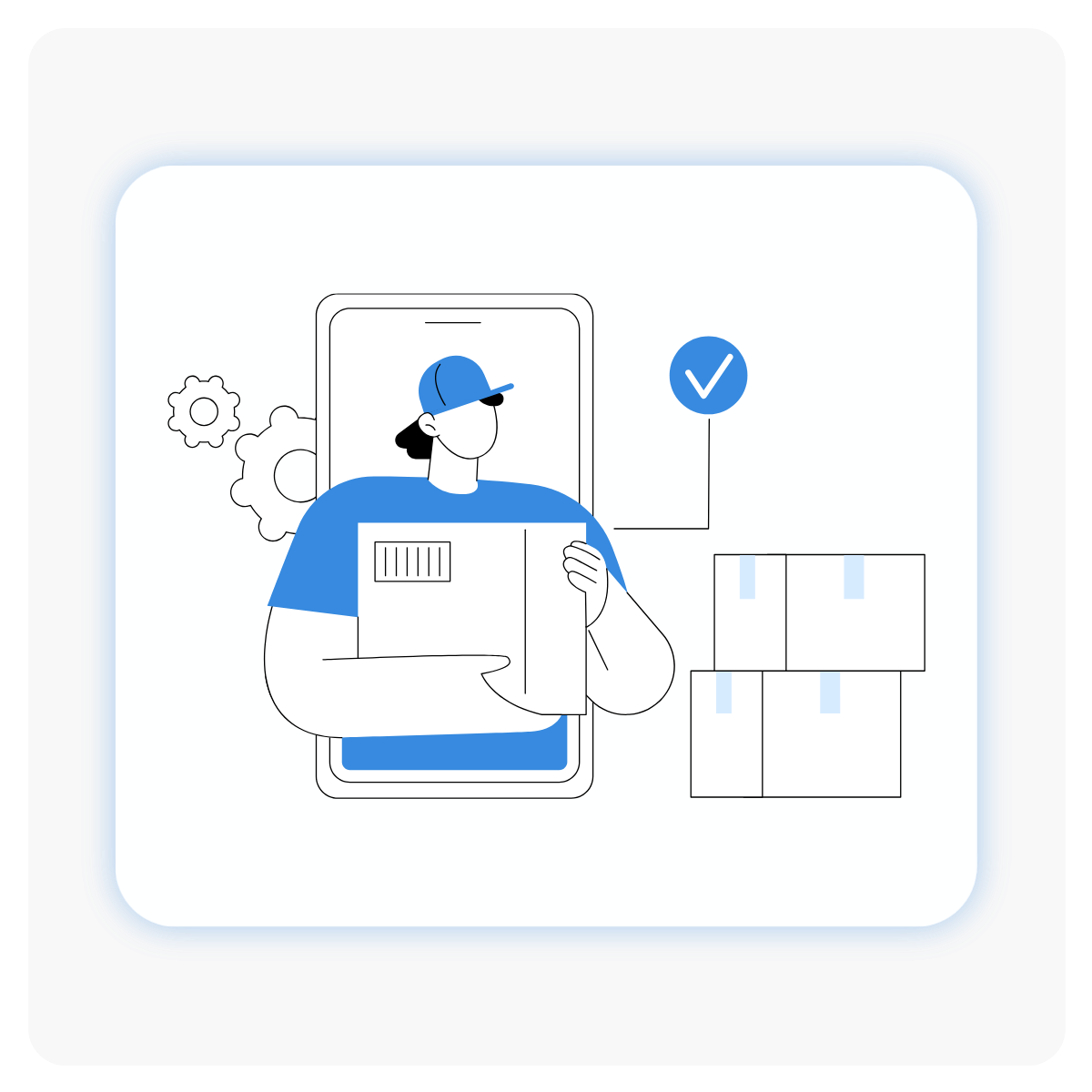
Drop Delivery: Confirm delivery by scanning items, capturing receiver details, and obtaining a signature – avoiding delayed proof of delivery information and giving real-time visibility.
Handle Exceptions: Record undelivered or rejected items as needed, keeping customers updated and processes tight.
Capturing Proof of Delivery from your Device
WAERPoD supports proof of delivery completion across multiple device types, allowing users to operate from Android handheld devices or desktop computers. This flexibility enables warehouse and delivery teams to complete proof of delivery tasks in environments that best fit their operational workflows, whether on the warehouse floor, at a customer site, or from a fixed workstation.
Android Handheld Device Support
Desktop Computer Access
Consistent Proof of Delivery Process Across Devices
Ensuring Accurate Order Verification
WAERPoD enables order verification during loading and delivery by validating cartons or pallets against shipping references or barcode scans. This helps to ensure the correct items are associated with each shipment and supports accuracy throughout the fulfilment and delivery process.
Verification Using Shipping References
Barcode Scanning Support
Carton or Pallet Level Validation
Managing Partial Deliveries with Confidence
Allowing users to identify and record items that are not delivered or are rejected at the point of delivery, WAERPoD supports accurate documentation of partial deliveries and provides visibility into discrepancies between shipped and received goods.
Identification of Undelivered Items
Recording of Rejected Cartons or Pallets
Clear Documentation of Partial Deliveries
Capturing Signature at the Point of Delivery
WAERPoD supports electronic signature capture as part of the proof of delivery process. Customer or receiver signatures are collected and uploaded in PNG format, providing a digital record tied to the completed delivery.
Electronic Signature Collection
Signature Capture
PNG File Format Support
Signature Attached to POD Records
Automating Delivery Status Updates in NetSuite
Automatically updating within NetSuite with shipment status once proof of delivery is completed, this integration helps ensure that delivery confirmations are reflected in NetSuite without requiring manual updates. This means that you can manage customer queries and status updates within a few clicks.
Automatic Status Updates
NetSuite Integration
Reduced Manual Data Entry
Maintaining Delivery Operations with Offline Capability
WAERPoD mobile functionality supports delivery operations even when internet connectivity is unavailable. Delivery data is stored locally and synchronised once the device reconnects, allowing work to continue uninterrupted in offline environments.
Continued Operation Without Internet Access
Automatic Data Synchronisation Upon Reconnection
Local Data Capture on Mobile Devices
FAQs
What devices support WAERPoD?
WAERPoD runs on android devices only. It must be downloaded from your site’s specific WAERlinx environment.
Can I complete a delivery without a signature?
A receiver’s name and signature (PNG format) are required to finalise the Proof of Delivery.
What happens if the internet connection drops?
WAERPoD continues to operate offline and syncs automatically when the device reconnects.
How do I handle undelivered or rejected items?
Mark the affected cartons as ‘Not Delivered’, identify missing SKUs, and WAERlinx will create a new despatch task or move items to the undelivered bay.
Can I process deliveries from a desktop?
Yes, as a fallback. Use the Proof of Delivery screen under the Goods Out or Administration menu, enter the shipping reference, upload the signature, and confirm delivery.
Ready to start your Journey?
Reach out today to speak with one of our NetSuite and WMS specialists about how we can transform your warehousing function.
%20copy%202.png?width=577&height=174&name=Untitled%20design%20(7)%20copy%202.png)
%20copy%202-1.png?width=200&height=60&name=Untitled%20design%20(7)%20copy%202-1.png)

%20copy%202-1.png?width=625&height=188&name=Untitled%20design%20(7)%20copy%202-1.png)